









CMYK vs Pantone for Paper Bags: When Does Spot-Colour Printing Make Sense?
Compare CMYK, spot colour and combined printing for photographic artwork, single-colour logos and large brand-colour panels. Specify useful colour references and approve matched samples on your chosen paper and finish.
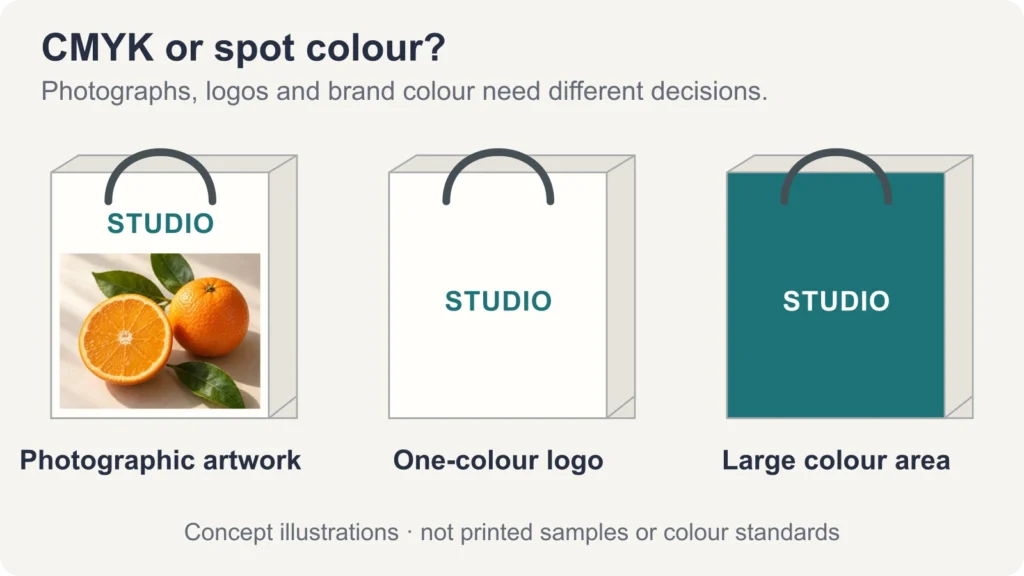
Choose CMYK for photographic artwork and many-colour designs. Consider a spot ink for a colour-critical logo or a large brand-colour area, especially when a CMYK proof misses the target. If your bag combines a photograph with a demanding brand colour, ask about CMYK plus a spot colour.
The useful question is whether the proposed ink system reproduces your design acceptably on your chosen paper, at your order quantity. A Pantone reference helps describe the target; it does not guarantee that every printing method will reproduce it identically.
What changes between CMYK and spot-colour printing?
CMYK uses cyan, magenta, yellow and black process inks to reproduce a range of colours through ink coverage and overprinting. A spot colour uses a separately specified ink rather than building that colour from the four process inks. Pantone is a colour specification system widely used for this purpose; not every spot ink is a Pantone colour.
A spot colour can also print as a tint or gradient using screened coverage, as described in Adobe's swatch guidance. The presence of dots or a gradient does not, by itself, identify four-colour printing. Likewise, one process ink can print a solid area.
For a quote, separate these three options:
| Printing option | What to clarify with the supplier |
|---|---|
| CMYK only | All artwork, including the brand colour, is reproduced with process inks. Confirm whether the proposed proof is an acceptable approximation. |
| Spot colour only | Specify the individual inks required. A simple logo might need one; a second printed colour normally adds another ink separation. |
| CMYK plus spot colour | Keep photographs in CMYK and assign selected brand elements to an additional ink. Confirm the total ink count and any added setup. |
For digital printing, ask whether a named Pantone colour will be simulated with the machine's available inks or printed with a dedicated spot ink. A Pantone swatch in a PDF does not settle that question.
Three paper bag designs, three different decisions
A photographic pattern: start with CMYK
Imagine a bag covered with a fruit photograph, including highlights, shadows, leaves and many intermediate colours. CMYK is a practical starting point for that continuous-tone artwork. Adding separate spot inks for every visible colour would not be a sensible way to specify the image.
Provide the original high-resolution image and the layout at its intended print size. Ask the supplier which colour profile and PDF settings their workflow requires. During proofing, check important image details, shadow separation and any colours that matter to the product being pictured. Do not judge only a small colour patch while overlooking the photograph itself.
A one-colour logo: compare one spot ink with the proposed process version
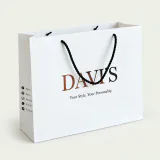
A white bag with a single coloured wordmark is a strong candidate for a one-ink specification. A spot ink can make sense when the brand colour is important, or when using one ink simplifies the job. If the approved logo is black, a single black process ink may already meet the brief; a Pantone number is not automatically necessary.
Use the same logo at the same size for both sample versions. Check the target colour, fine strokes, small lettering and clean edges. If a process build uses multiple inks, inspect their alignment; a one-ink logo avoids that particular alignment issue, but still needs good ink coverage and clear detail.
A large brand-colour panel: test the full area
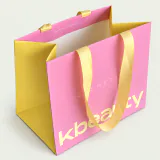
For a bag with an almost full-face brand colour and a white logo, ask to compare a CMYK build with a spot-ink version on the intended paper. A spot ink is worth considering when the colour lies beyond a satisfactory CMYK match or when a broad solid panel makes small variations particularly noticeable.
Inspect the whole panel for unevenness and marks, including areas near folds and edges. A spot colour is not automatically darker, brighter or more even; paper, ink formulation and press control still matter. If the design also includes a photograph, CMYK plus the brand spot ink may be the appropriate combination.
PAQIVA's printing and finish options can help frame the specification, but metallic ink, foil stamping and surface gloss should be quoted as distinct choices. Ordinary CMYK does not reproduce the physical metallic or fluorescent effect of a special ink.
Specify the colour reference, including C or U
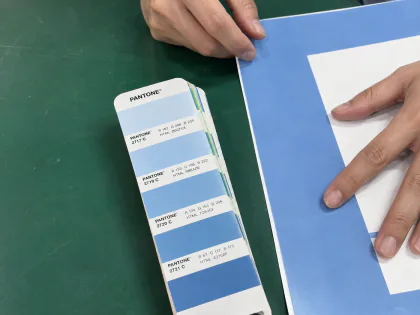
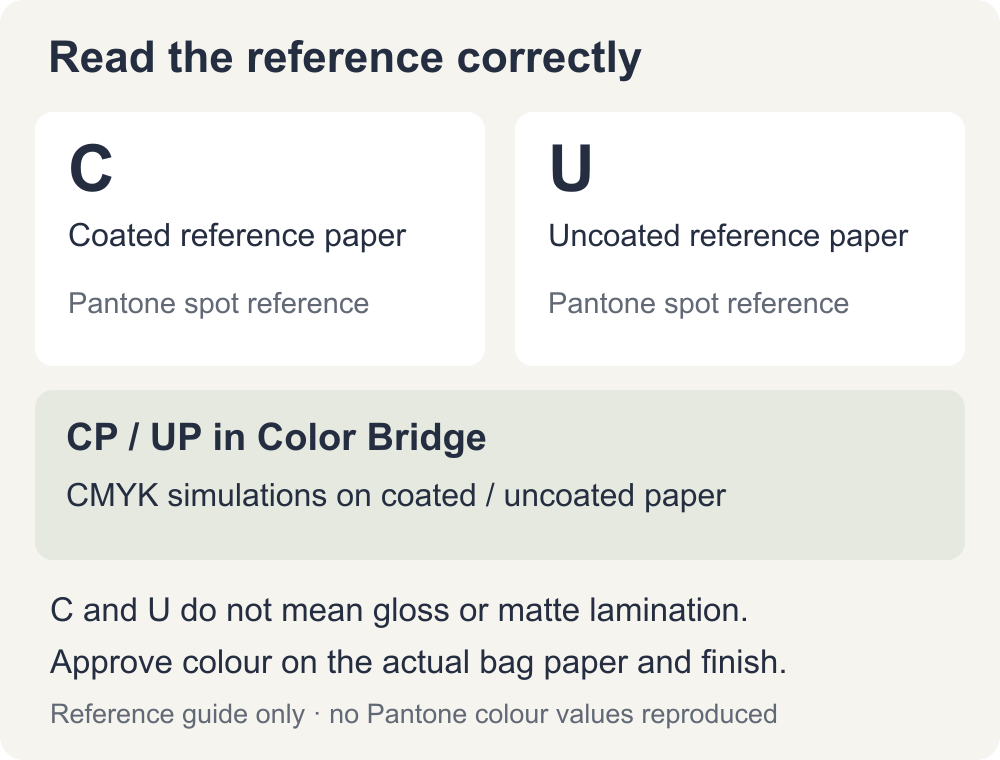
Give the supplier the complete Pantone reference, including its system and suffix, rather than a number alone. In the Pantone Graphics system, C refers to coated reference paper and U to uncoated reference paper. They do not specify gloss or matte lamination on a finished bag. Pantone explains these paper references here.
A coated guide is not a promise of the same appearance on brown kraft or black card. Choose the bag paper and any coating or lamination before approving the finished colour. With a dark or coloured substrate, also ask whether an opaque ink or white underprint is needed and how that changes the quote. PAQIVA's paper options show the different starting surfaces.
Pantone Color Bridge compares a spot-colour reference with a CMYK simulation. Its CP and UP suffixes identify process simulations on coated and uncoated paper, respectively. Use it to discuss the likely compromise, then confirm with a job-specific proof; do not treat a CP or UP reference as an instruction to print a separate spot ink. Pantone's CP example illustrates this distinction.
What colour information should you send?
- Artwork and colour roles: a vector logo where available, original image files and a layout showing which elements must use spot ink. Keep intended spot colours named separately; have the supplier check separations before production. See PAQIVA's artwork preparation guidance.
- The primary colour target: the full Pantone reference, a physical reference chip or an agreed existing printed sample. If these differ, say which takes priority. RGB and HEX values are useful digital references, not substitutes for a physical print target.
- For a CMYK target: send the values together with the relevant colour profile or printing condition. Agree the conversion with the supplier rather than assuming the same percentages look identical on every paper and press.
- The bag specification: paper grade and colour, printed sides, final dimensions, finish, order quantity and the artwork revision. State which colours are critical and where an approximation is acceptable.
A clear request might read: “Please quote this artwork as CMYK only and as CMYK plus one dedicated brand spot ink. Keep the paper, finish, size and quantity identical. Identify how each sample will be printed and which version can serve as the production colour reference.”
Compare the same design before approving production
Use matched samples to change one variable at a time. Keep the artwork revision, scale, paper grade, print side and finish the same when comparing ink systems. If you also want to compare papers, make that a separate comparison so that an ink change is not confused with a substrate change.
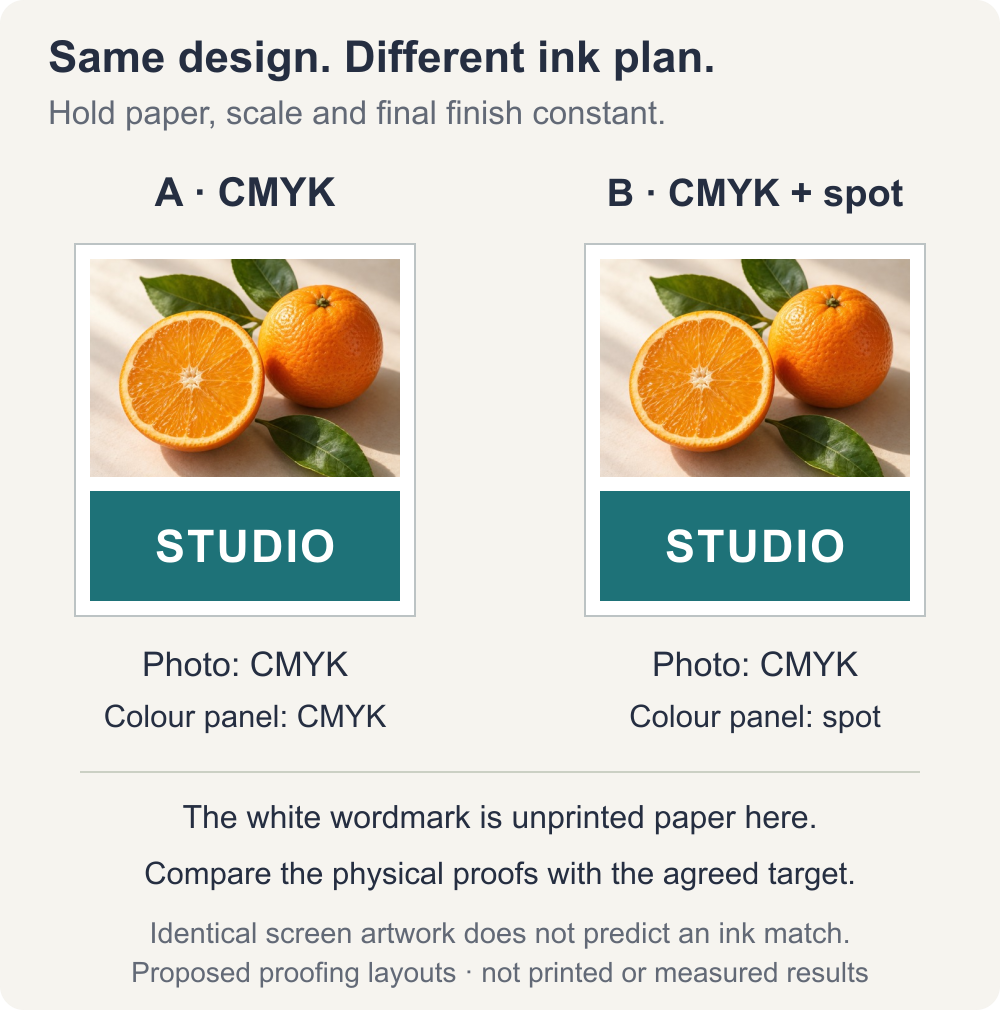
These are proposed sample layouts, not photographs of completed print trials. Keep the visible design and scale identical; change only the specified colour separations. The useful colour comparison takes place on the actual printed samples.
Ask what each proof represents. A PDF is useful for checking layout and separations. A digital colour proof may simulate a spot ink. An ink drawdown on the chosen stock helps assess that ink-and-paper pairing, but it does not establish the complete press result. Where colour is critical, agree an appropriate production-representative printed sample and review it after the specified finishing.
At approval, check:
- Colour under agreed lighting: compare the printed sample with the agreed physical target side by side, then consider the intended retail lighting. Avoid comparing photographs taken under different lamps.
- The complete design: review photographic detail, logo edges, small reversed text and the uniformity of broad colour areas.
- The finished surface: allow for drying and the specified coating or lamination; check the assembled bag for rubbing, marks and changes at folds.
- A repeatable reference: record the artwork version, paper, inks, finish, sample date and agreed acceptance criteria. Retain the approved physical sample for production and repeat orders.
A screen emits light; a printed bag reflects it. Paper, ink, finish, lighting and display settings all affect appearance. A calibrated display can improve previewing, but screen-to-bag identity is not a sound approval promise.
When is the extra printing cost worthwhile?
For a simple one- or two-colour design, spot printing may be economical compared with a four-colour setup. When a photograph already requires CMYK, adding a brand spot ink can add ink preparation, a separate plate or printing unit where applicable, setup and proofing. The balance depends on quantity, equipment and the actual design; there is no universal “Pantone surcharge”.
Ask for like-for-like quotes and identify what the additional cost achieves. If the CMYK sample already meets the agreed colour target, another ink may add little value. If the logo or dominant panel misses an important brand colour, a dedicated spot ink may justify its cost.
Send PAQIVA your artwork and colour requirements, together with the bag size, paper, finish and quantity. Request the relevant ink options and a clear sample approval route before choosing the specification.