








Should You Print Addresses, Contact Details or Prices on Paper Bags?
Print information that helps customers take the next step. Choose its position around your brand design, and keep changing prices separate from everyday bags.

Print an address or contact detail when it helps customers take a useful next step. Leave it off when the bag works better with branding alone. For an everyday bag used across different products, keep changing retail prices off the permanent artwork. A side panel is a useful starting point for secondary information, but a well-designed front or back can work just as well.
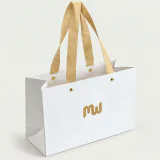
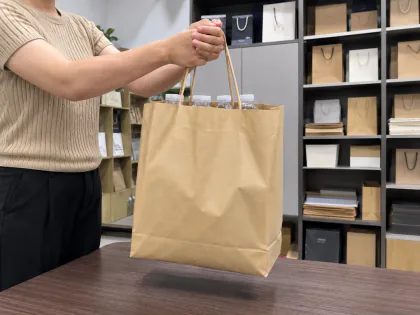
There is room for personal preference here. The teal bag above gives its visible front to repeated branding. Another brand might want customers to find its shop, follow its Instagram account or reorder online. Choose the job first, then give the information enough space to do it.
Which information earns a place on the bag?
You do not need to turn a shopping bag into a full business card. Choose the details that customers are likely to use and that you expect to remain accurate while the bags are in stock.
| Information | Useful when | Consider leaving it off when |
|---|---|---|
| Shop address | You want customers to visit a stable retail location | The address changes, or customers do not visit that location |
| Website | It provides shopping, store locations or useful brand information | The site is unfinished or no longer maintained |
| Telephone or messaging number | Customers use it for orders, bookings or support | Nobody reliably answers that channel |
| Social account | Customers discover products or contact you there | The account is inactive or the handle may change |
| QR code | It opens a useful mobile destination | There is no clear reason to scan it |
| Retail product price | The bag belongs to a specific, controlled offer | Products, prices, markets or promotions vary |
A street address makes sense for a boutique that wants repeat visits. If several branches share one bag design, a website with current store locations may be easier to maintain than a long address list. For an online-only shop, the buying or support destination is usually more useful than a non-public storage address.
For contact information, start with one route customers already use. Add another if it serves a different purpose: a website for shopping and a telephone number for appointments, for example. A social icon can help identify the channel, but include the actual handle if customers need to search for it. Check spelling, punctuation and the country code where relevant.
Put secondary details where they fit the design
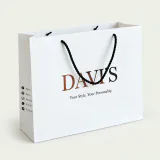
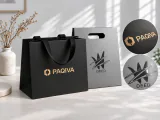
The side panel is a good option when you want the main face to stay focused on the brand. It can hold a short website, a contact line or a compact code without competing with the central logo. The white bag below shows that separation clearly.
Contact details and codes in the photo examples are intentionally blurred. These images illustrate placement; they are not examples for testing a scan.
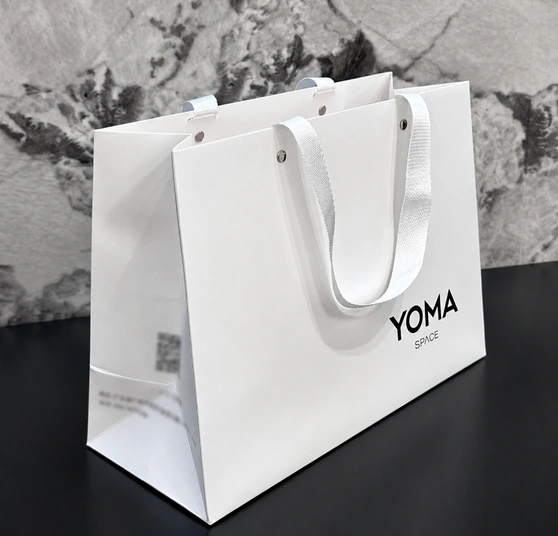
Side placement has a practical limit: the panel folds. Keep small text and codes within a readable area of the assembled bag, away from creases, seams and handle attachments. A narrow side panel may not have enough usable room for everything you want to print. The back can give longer information more space.
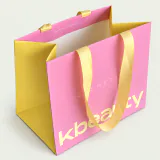
Putting contact details on the front is also a valid choice. A separate lower band can support a large central logo, as on the pink bag below. Keep a clear difference in size and spacing between the brand and the supporting information. Check where the bottom fold falls before treating the whole lower area as available artwork space.
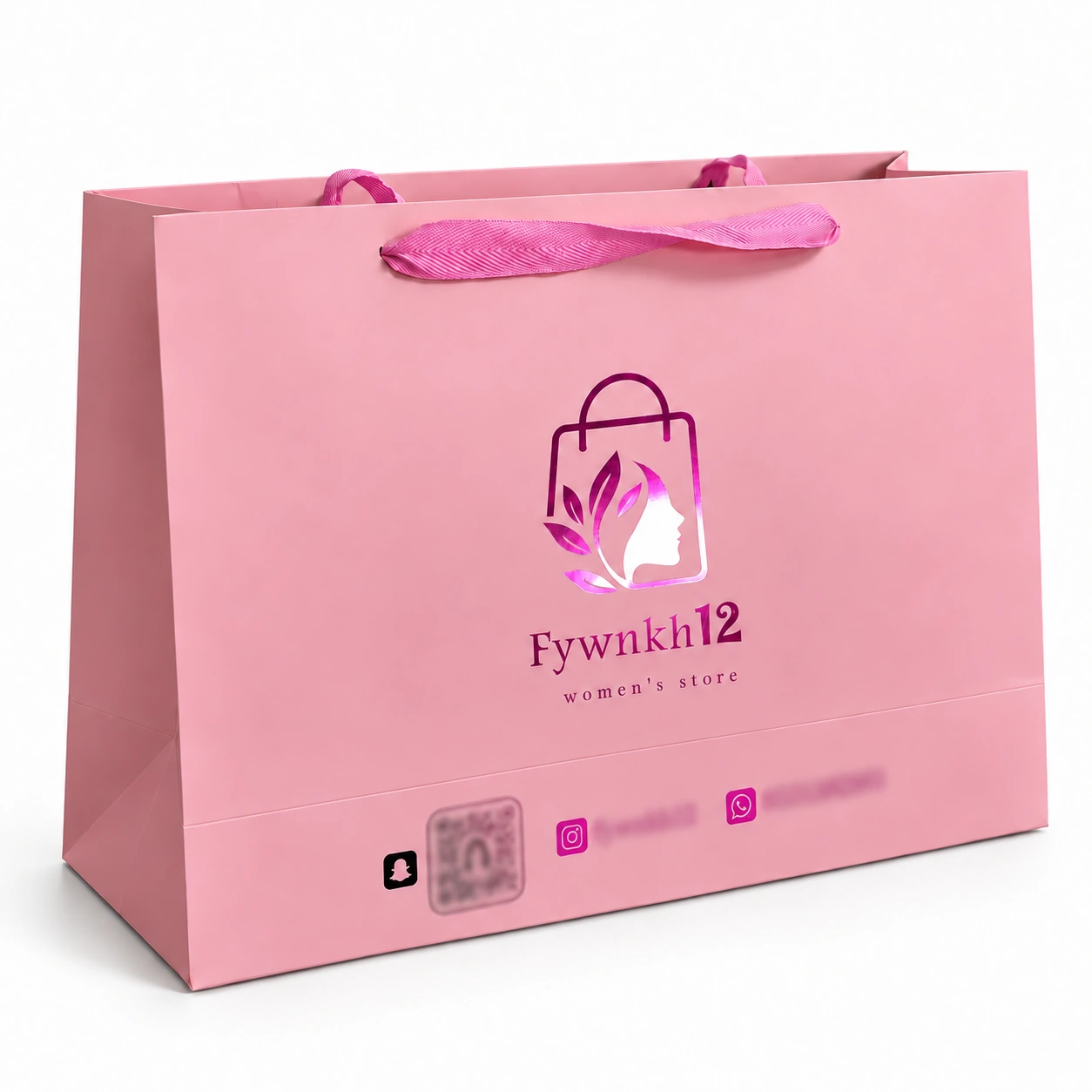
Use the actual bag layout to choose between these options. PAQIVA's dieline and artwork preparation guide explains how panels, folds and handle positions affect artwork. Once the size and structure are confirmed, a custom-size blank dieline helps you place the information on the intended panel.
Keep changing prices separate from everyday bag artwork
Here, “price” means a product price or retail offer printed on the bag, rather than the cost of buying the bags themselves. For a design used across a range of products, leaving prices off gives you more flexibility. One printed amount can become misleading after a price change, or simply be irrelevant to the next item put inside.
A price can make sense for a dedicated promotion or a fixed-price gift set. The decision then depends on whether you can use that bag stock while the offer remains accurate. A shop serving different currencies or running frequent discounts has more information to keep aligned. Price-led graphics may also be a poor fit when the bag is intended for gift presentation.
Before committing a price to the print run, ask what happens to the unused bags when the offer ends. A removable label, product tag, insert or current web page can carry the changing information while the bag keeps its longer-lived branding. Permanent printing is still an option; it works best when the offer and the planned stock have matching lifetimes.
A QR code needs a useful destination and a readable print
A code should make a specific action easier: view the collection, find the nearest shop or open care instructions. Add a short instruction such as “Shop the collection” so customers know what they will get. A short readable web address can provide another way to reach you.
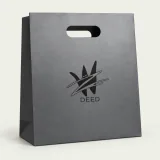
The kraft example below keeps its branding separate from the row of contact channels. That separation helps explain the layout, even with the contact details obscured.
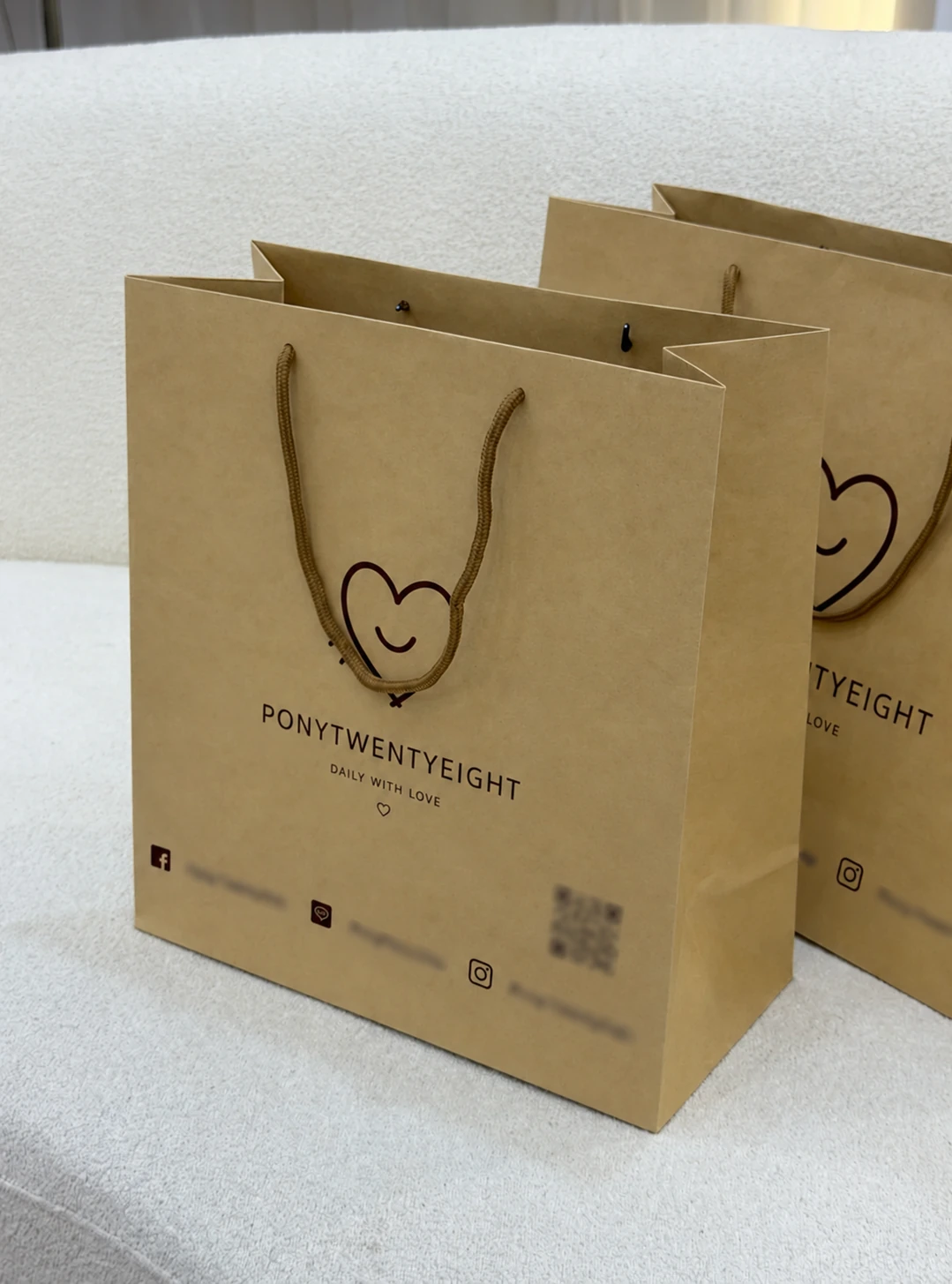
For the real print, preserve the code's clear edges and empty border. DENSO WAVE specifies a quiet zone of four modules—the small squares in the code—on every side of a standard QR Code. Do not fill that border with surrounding text or decoration. DENSO WAVE code-area guidance
There is no single physical size that guarantees scanning for every design. The data, module size, printing and reader all matter. Start with artwork suitable for the intended print size, then test the printed bag with representative phones under normal lighting, including when the bag is opened and carrying products. Avoid a crease through the code and check that glare does not prevent reading. DENSO WAVE module-size guidance
Check the destination as carefully as the print. It should open the intended mobile page without an unexpected login or expired offer. A stable URL on a domain you maintain can point to a page whose content you update later. If a QR service manages the destination, confirm its ongoing terms before putting the code on a large batch of bags.
Settle the information before approving the print
Choose the customer action, select the details that support it, and check how long those details will remain accurate. Then review the final-size artwork and one assembled printed sample for readability and scanning. This keeps the decision focused without forcing every brand into the same layout.
For a PAQIVA custom shopping paper bag, send your bag size, quantity, logo and the exact address, contact lines or QR artwork you want to include to sales@paqiva.com. Include your preferred panel, or ask to compare side and front placement. Layout support, revisions and any related charges can then be confirmed for the project.